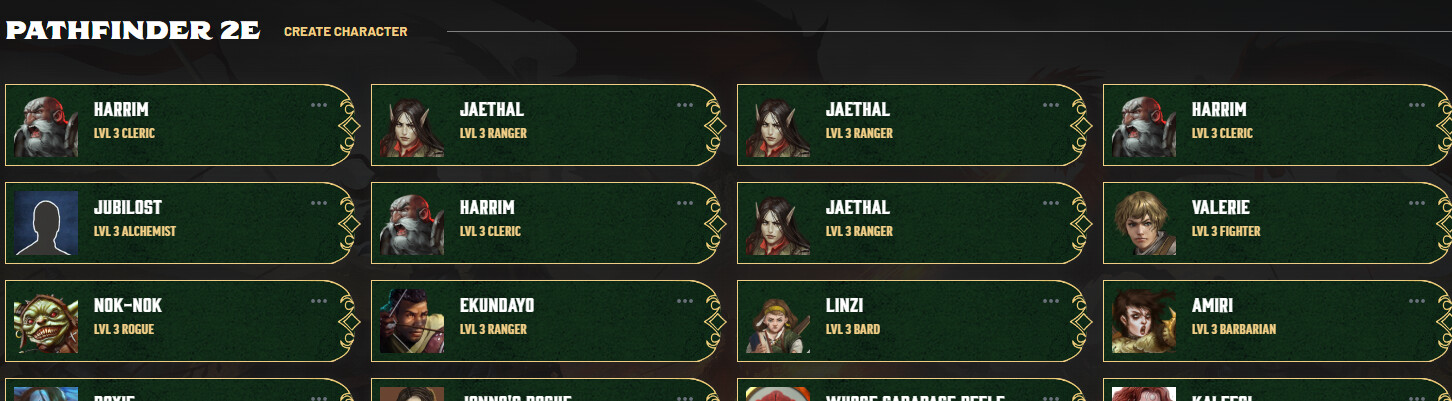
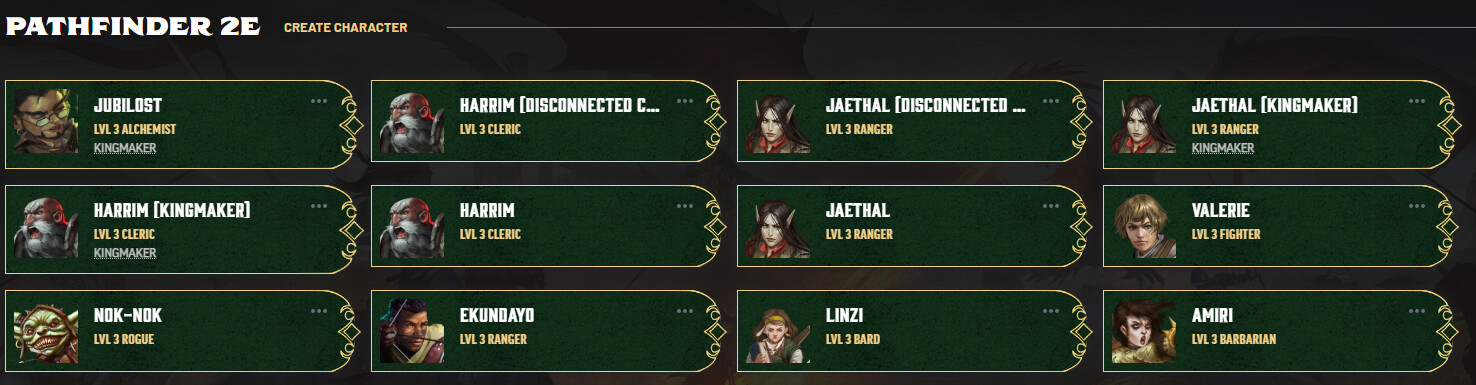
Created copies don’t keep the “(Copy)” in the name in the character view making it difficult to distinguish which character sheet is the one that is a member of the campaign
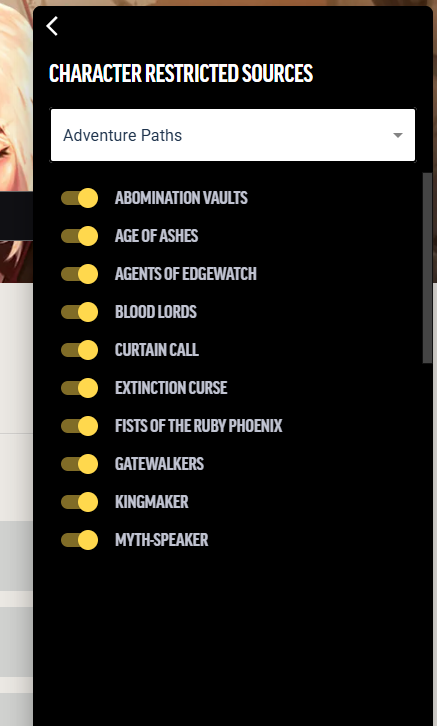
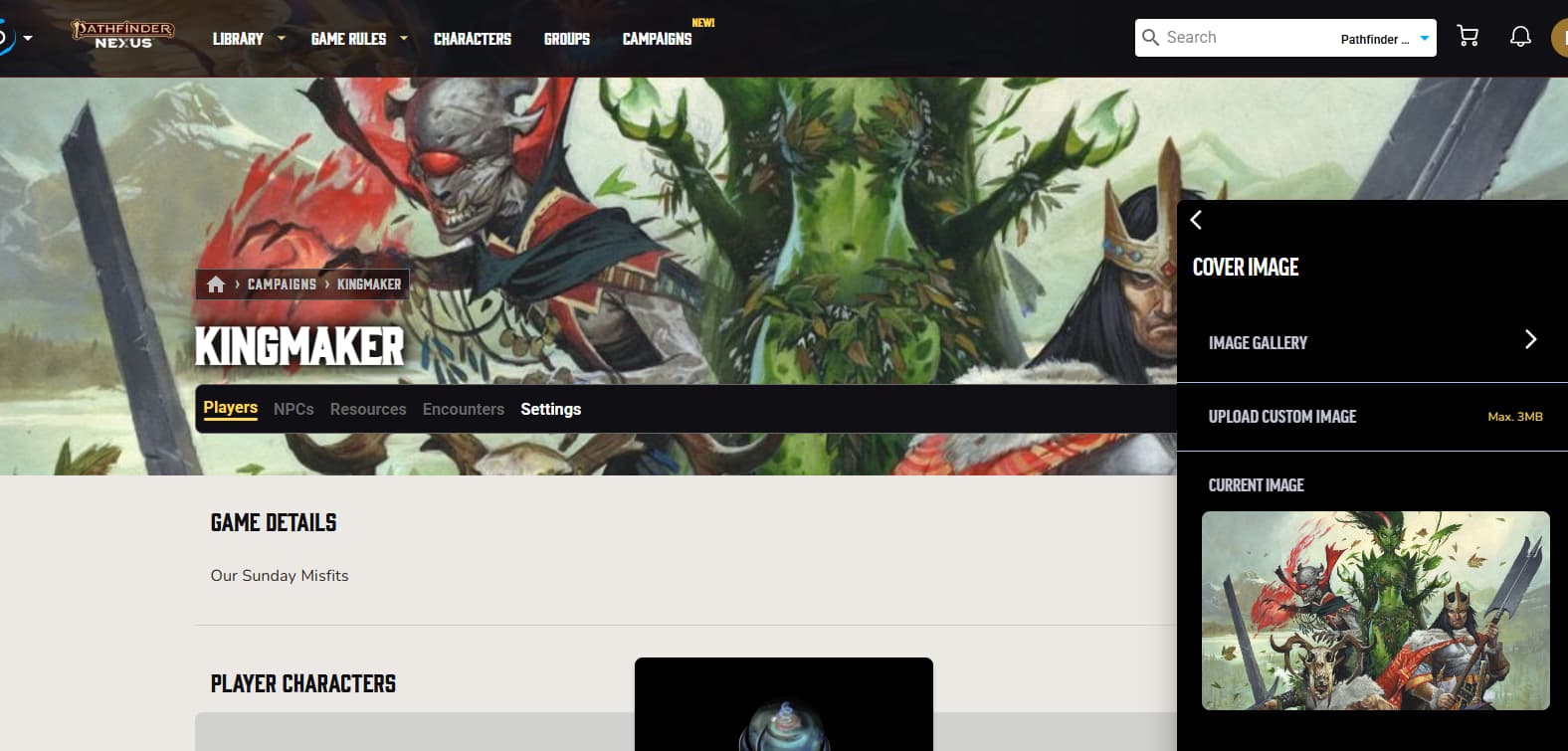
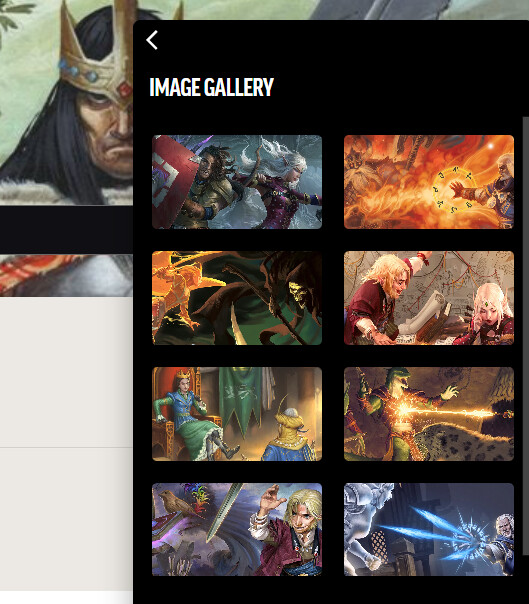
Not completely necessary but it would be interesting if I could use any of the backgrounds from any of the content I own across games… like allowing Daggerheart backgrounds for a pathfinder campaign rather than them being locked to a single game. It would also be nice if there was a campaign background for each of the APs I own:
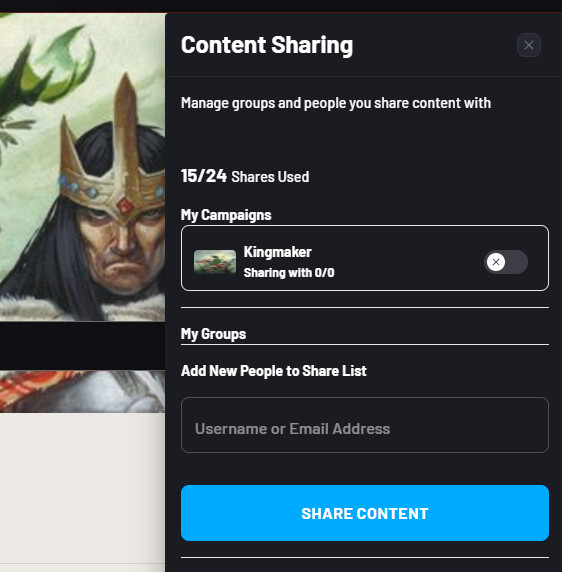
Since copies are required, my players with full character slots cannot use this feature at all without deleting and rebuilding a character… (at least I assume that’s how it works… on the other hand, if the copy doesn’t count towards their character slot limit could this be an exploit for infinite character sheets?)
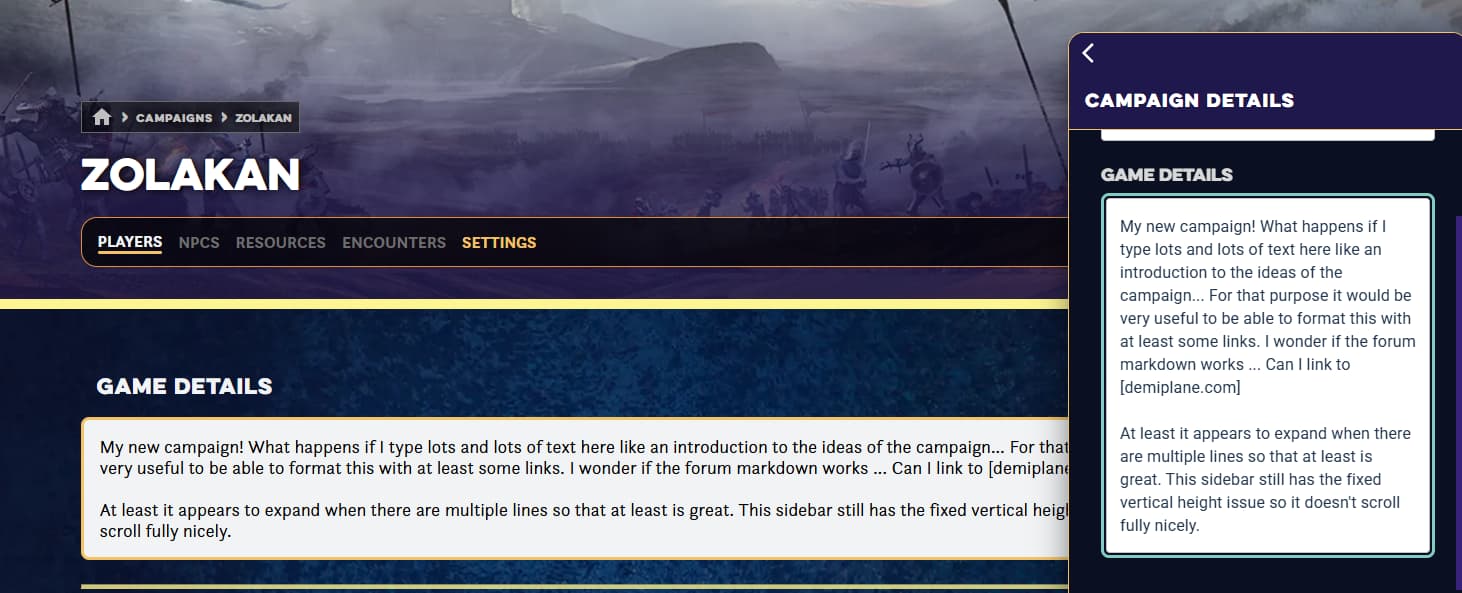
I assume they intend for this kind of thing to be included in the upcoming Resources tab? But yeah, being able to provide a link to a worldanvil or roll20 campaign would be lovely.
Thank you for documenting this! I have been keeping an eye on this post! We met today and are going to make a few adjustments that can be made rapidly (not all can).
More to come next week! Keep sharing thoughts as your campaign(s) continue.
Would be nice to be able to see custom character information (passives, speed, AC, HP), but I believe a lot of that will be the encounter builder though I imagine some things for exploration mode might not be covered in the encounter builder?
A shared/party inventory would be lovely as well either on the campaign page itself or as part of the character sheets (both? And sortable by alphabet/recent?).
Presumably with the roll20 integration one of the link options could just be a roll20 game link, like a Launch VTT button basically.
Thanks for this report. Kicking a player out of a campaign should not remove them from other campaigns they might be in. I’ve got a ticket filed for our tech team to investigate further!
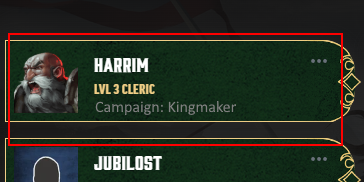
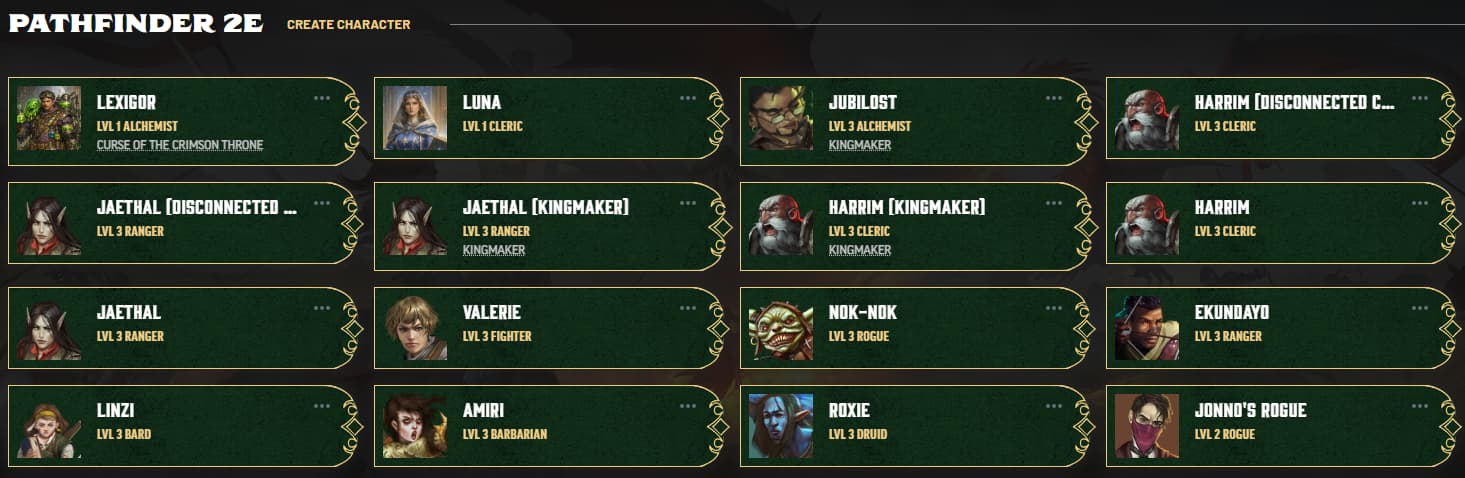
The third row on the “characters” page with the campaign listing is nice, but the vertical size of characters that aren’t in campaigns shouldn’t be different from the size of those that are… all these entries should have the same vertical size:
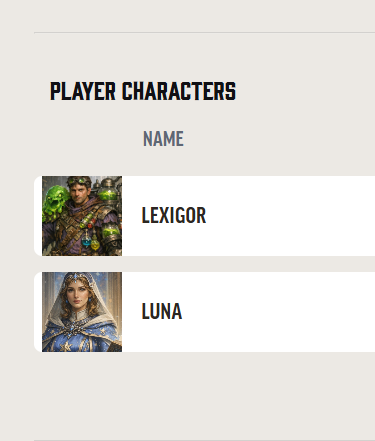
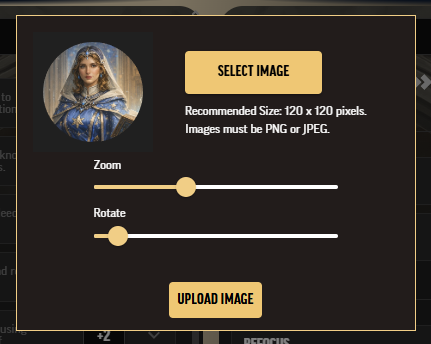
When uploading custom character images for characters they are shown in circles… but then in other views on the website they are shown in squares revealing parts of the character image that perhaps were specifically left out when selecting it with a circular mask on the upload screen. See here it is in square, like the above character selection screen also using square: