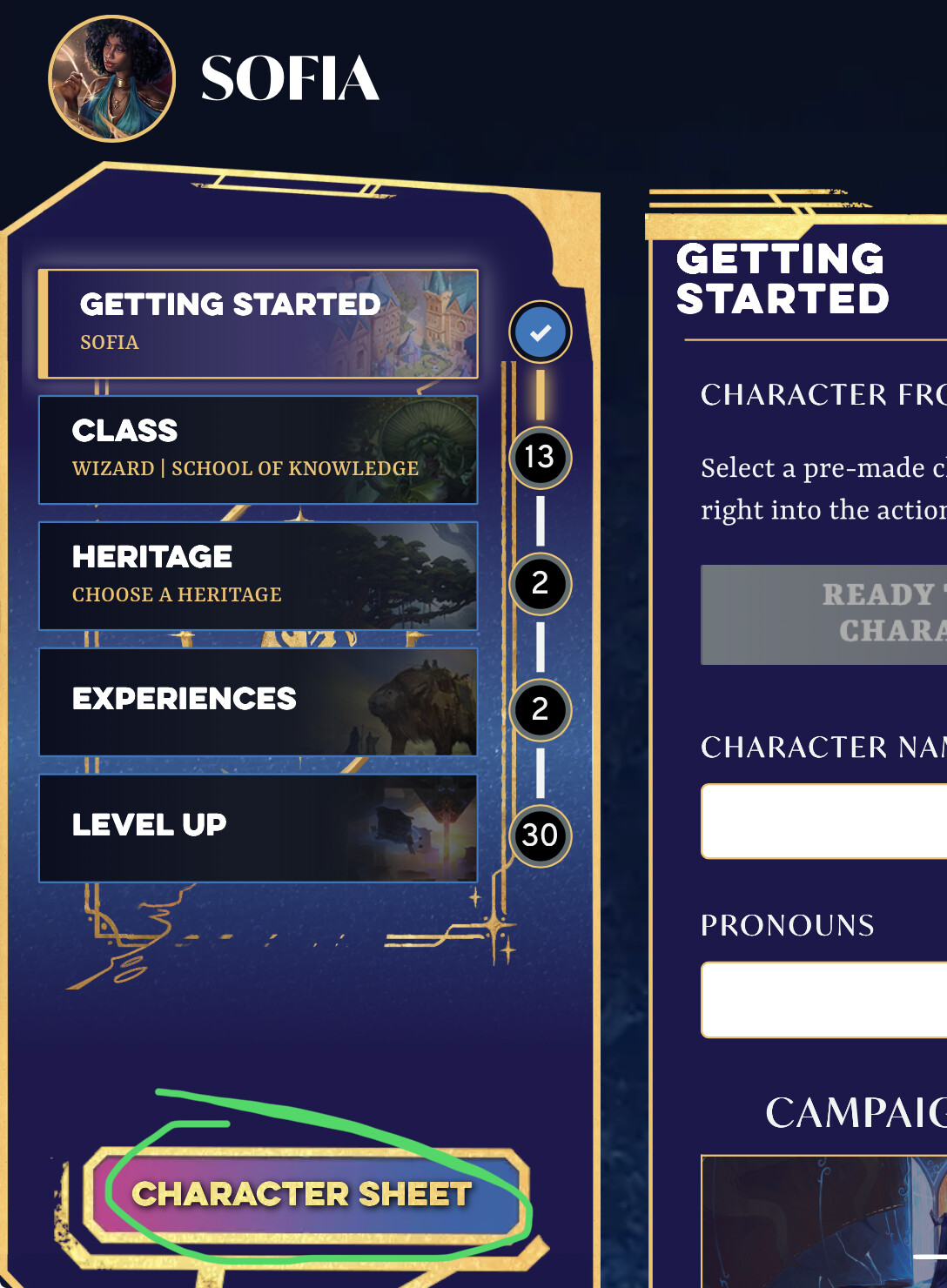
The issue occurs for me at the following URL: https://app.demiplane.com/nexus/daggerheart/character-builder/f8c8d1ba-b0bb-41ff-9e7b-6abd726301fa
When building a new character for Daggerheart, I believe there is a bug with a style being applied to the below HTML container.
<div class="MuiGrid-root MuiGrid-container MuiGrid-item grid-block scroll-component-grid mui-1c2ob9t" id="builder-middle-scroll-component-grid">
It has been styled with the following CSS, which prevents me from scrolling down to the “Begin” button, thus locking me out of character creation.
div#builder-middle-scroll-component-grid {
    overflow: hidden;
}
Simply removing that style from the CSS fixes the issue. I am unsure why it was applied in the first place, but I also don’t know if removing it would negatively effect something else. Perhaps games other than Daggerheart use the builder-middle-scroll-component-grid id and required the overflow to be hidden?
Just wanted to bring this to your attention.